Skip to content
Contact & Community
📍 Metro Manila, Philippines
🌐 robimotoph.com
✉️ hello@robimotoph.com
📱 +63 917 517 0594
📍 Metro Manila, Philippines
🌐 robimotoph.com
✉️ hello@robimotoph.com
📱 +63 917 517 0594

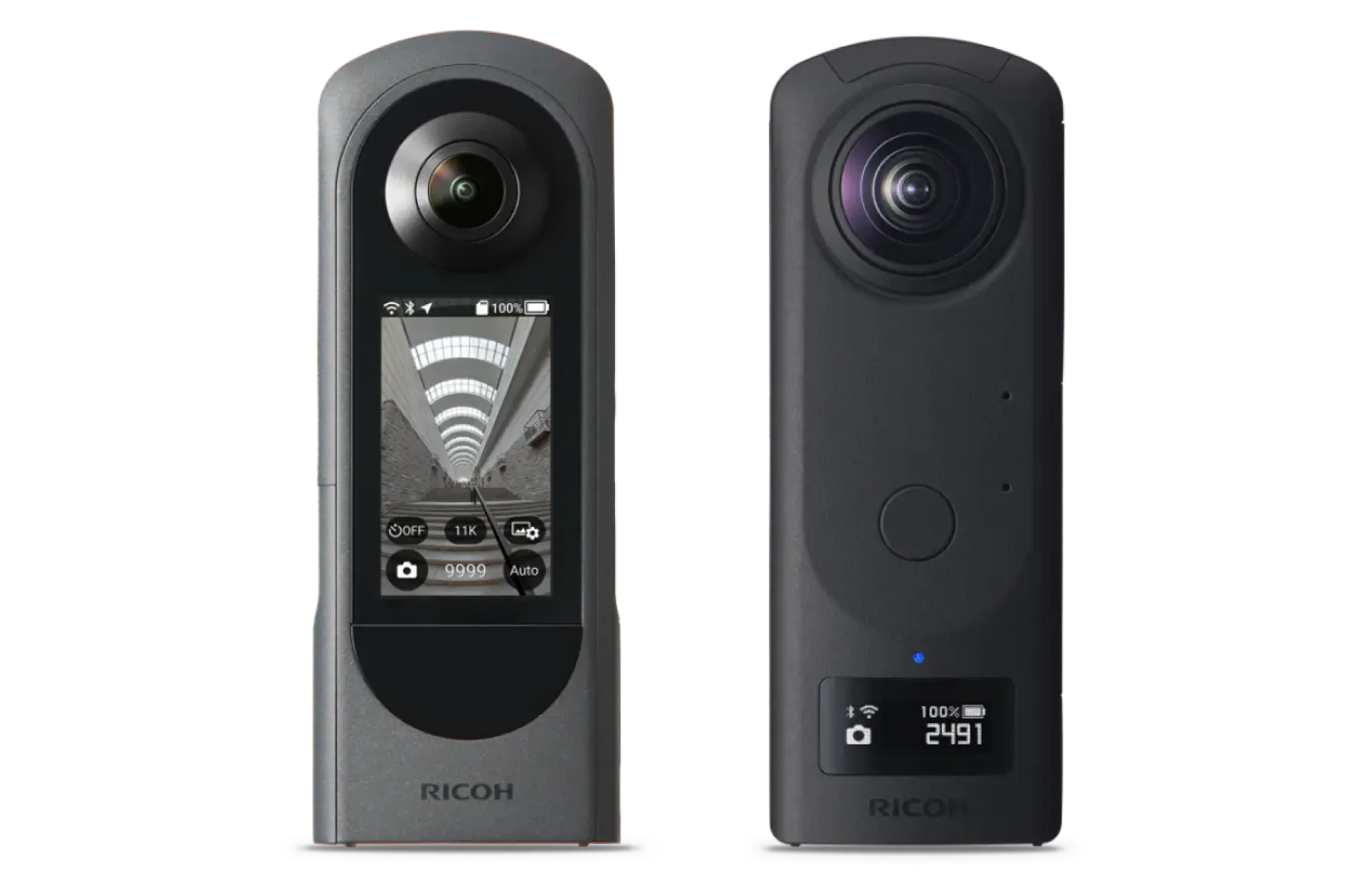
Capturing immersive 360° footage doesn’t have to break the bank. In this guide, we explore the best Budget-Friendly 360 Camera gadgets for creators—from affordable cameras like Ricoh Theta SC2 and Samsung Gear 360 to clever accessories that elevate your vlogs. Whether you’re a moto vlogger, travel filmmaker, or beginner creator, you’ll find budget alternatives that deliver professional-quality 360° videos without draining your wallet. Learn which models offer top features like 4K video, stabilization, and portability—plus smart tips and gear recommendations to help you shoot cinematic, full-circle content on a Filipino-friendly budget.
Budget-friendly 360 camera aren’t just a tech gimmick anymore, they’re the future of storytelling. Whether you’re a travel vlogger capturing scenic landscapes, a moto vlogger documenting thrilling rides, or simply a social media enthusiast wanting to give followers a “you’re right here with me” experience, 360° footage delivers next-level engagement.
The catch? Top-tier models like the Insta360 X3 or GoPro MAX can cost as much as a secondhand motorbike in the Philippines. For many creators, that price tag is a dream killer before the journey even starts.
But here’s the good news, immersive storytelling doesn’t have to break the bank. Thanks to rapid tech improvements and competitive brands, you can now grab a budget-friendly 360 camera and accessories that still deliver great quality. In this guide, we’ll explore entry-level cameras, clever alternatives, and must-have accessories tailored for Filipino riders, travelers, and beginner creators who want full-circle creativity without full-wallet emptiness.
If you’ve ever drooled over Insta360’s product videos only to wince at the checkout price, you’re not alone. A budget-friendly 360 camera isn’t just for beginners, it’s also a smart addition for seasoned creators.
Budget Constraints for Beginners and Hobbyists
When you’re just starting out, investing ₱25,000–₱30,000 in a flagship 360 camera might not be realistic. Affordable options let you test the waters, learn 360° shooting techniques, and see if immersive content fits your style without risking a big financial loss.
Tech Has Leveled the Playing Field
A few years ago, “budget” meant grainy footage and clunky software. Now, even under-₱10,000 models can shoot 4K video and 18MP stills with decent stabilization. The performance gap between a budget-friendly 360 camera and high-end models is much smaller than you might think, especially for casual creators.
Great for Experimentation
360° filming is different from standard video. You need to think about every angle, movement, and stitch line. Having a cheaper camera makes you less afraid to try daring shots, mount it in risky places, or experiment with creative transitions.
Backup Gear for Pros
Even experienced vloggers use budget 360 cams as secondary angles. Mounting them on helmets, drone rigs, or even on the side of a bike without the fear of losing a premium device in an accident.
A low price tag is tempting, but it’s not the only factor you should consider. To make sure you’re investing wisely, here’s a checklist of the most important features:
Video & Photo Resolution
– Minimum recommended: 4K for video, 18MP for stills.
– Anything lower can look pixelated, especially if viewers zoom or watch on VR headsets.
– Budget cameras might still have trade-offs, such as slightly lower sharpness or weaker low-light performance, but for daytime shooting, 4K is plenty.
Stitching Quality & Software
– Poor stitching can ruin the illusion of immersion with visible lines where the two lenses meet.
– Check whether the camera comes with free software for automatic stitching or if you need third-party tools. Paid software can add to your costs, so factor that in.
Portability & Mounting Options
– For moto vloggers, weight and mount compatibility are crucial.
– Look for cameras that work with standard GoPro-style mounts so you can easily attach them to helmets, handlebars, or chest rigs.
Battery Life
– A camera that lasts less than an hour of continuous shooting can be frustrating during rides or trips.
– If battery life is short, check if it supports swappable batteries or USB power banks.
Connectivity
– Wi-Fi and Bluetooth make transferring footage to your phone faster.
– Some budget models skip these features, meaning you’ll have to manually copy files via cable, slower but not a dealbreaker.
Durability
– If you’re riding in the rain or hiking near waterfalls, waterproofing is a must.
– Even if the camera itself isn’t waterproof, check if a protective housing is available.
Here’s where we get to the fun part, affordable but capable 360° cameras you can actually buy without selling a kidney.
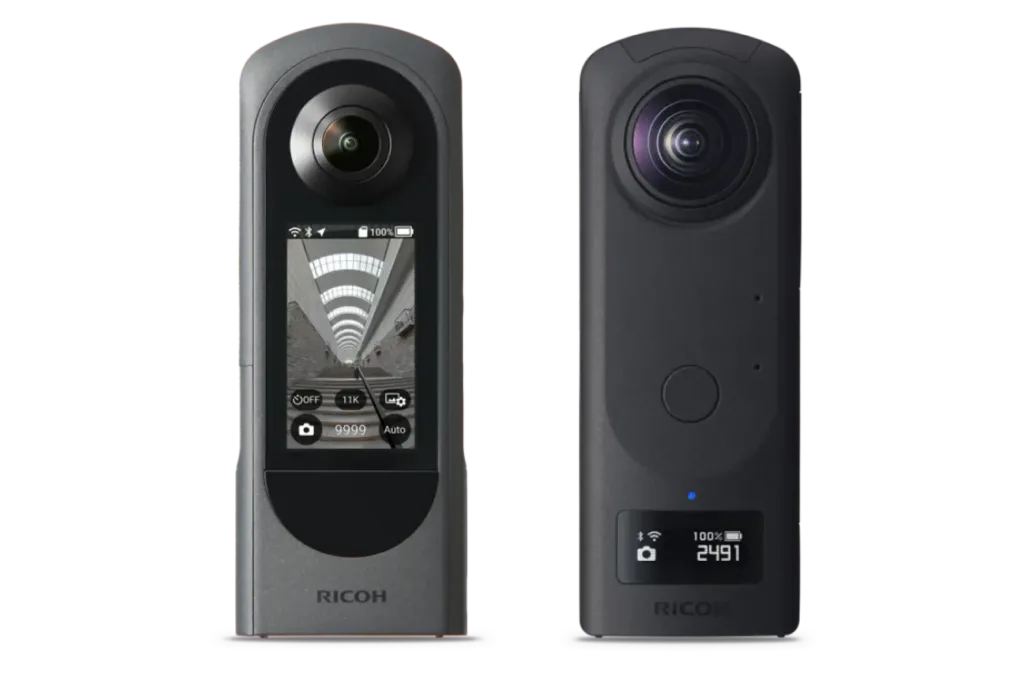
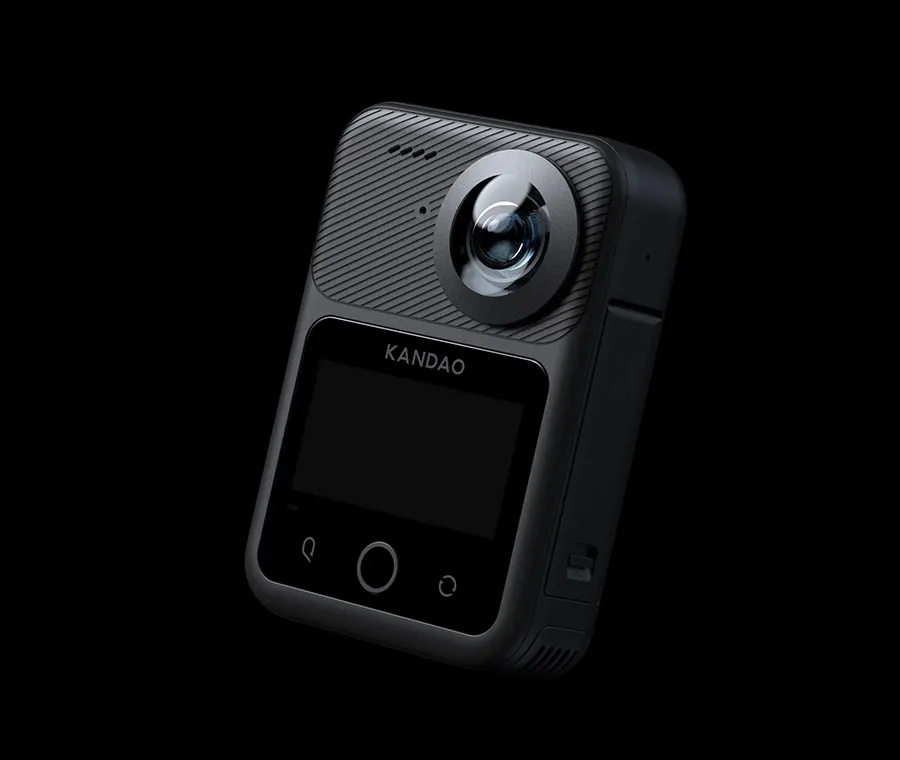
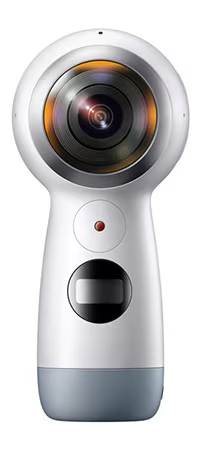
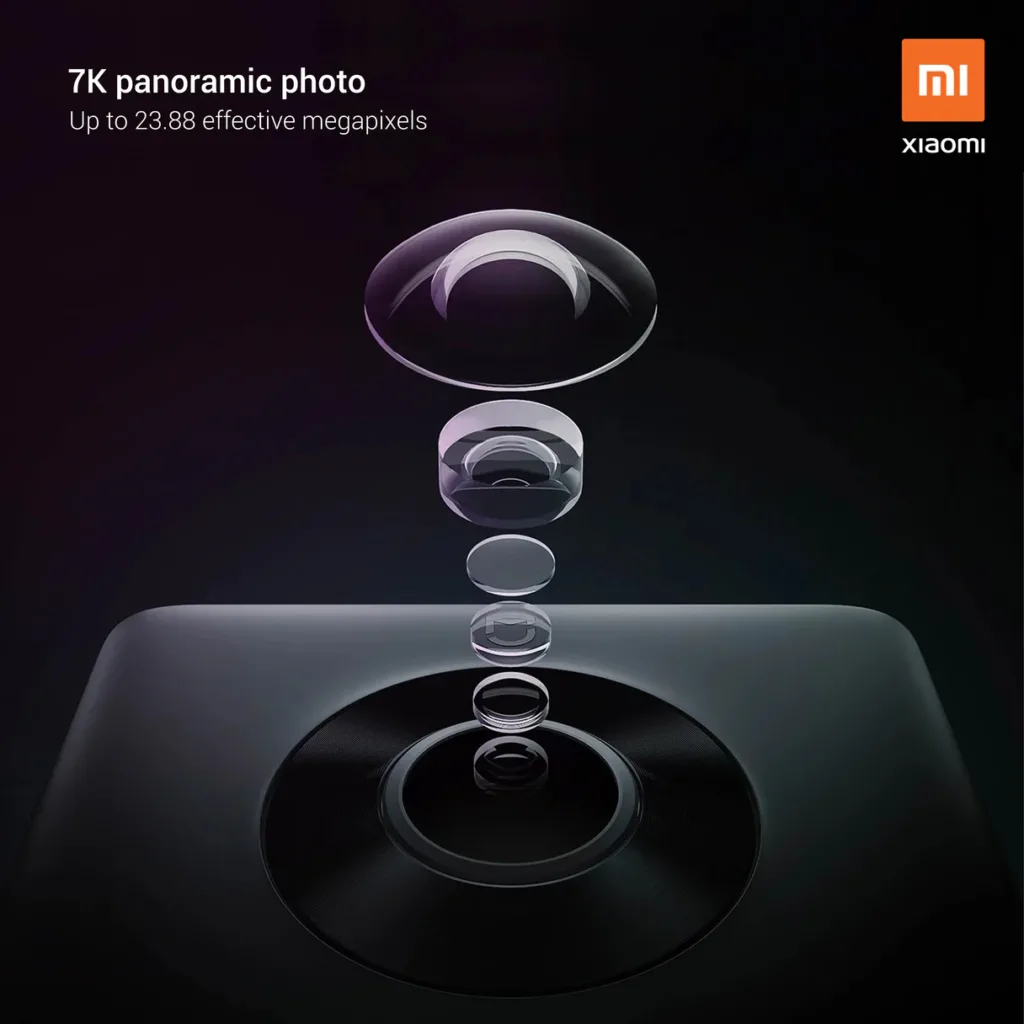
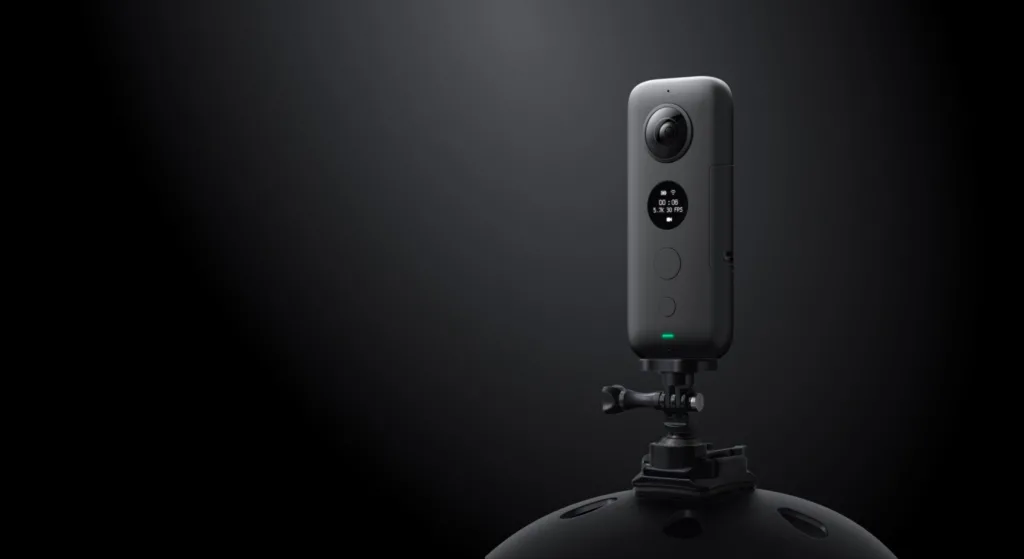
Even the best budget camera can benefit from the right gear. Thankfully, many accessories are cheap but make a huge difference in footage quality.
Selfie Sticks & Invisible Poles
– Extend your reach and create that “floating camera” look without showing the stick in the shot.
– Many options under ₱500 work perfectly fine.
Mini Tripods
– Great for stationary time-lapse shots or group videos.
– Compact enough to fit in your backpack.
Protective Cases
– 360 camera lenses stick out and scratch easily—lens protectors are essential.
External Microphones
– If your camera supports it, an external mic will massively improve audio quality.
Power Banks
– Keeps you shooting longer during rides or hikes.
– Look for slim, lightweight ones that fit easily in your pocket or bag.
A budget 360° camera might not have all the bells and whistles of its premium cousins, but with the right techniques, you can make it punch far above its weight. Here’s how to get the most out of it:
Shoot in Good Lighting
Budget lenses and sensors tend to struggle in low light, producing grainy or washed-out footage. Plan your shoots during the golden hours, shortly after sunrise or before sunset, when the light is soft and flattering. If you’re indoors, use extra lighting to brighten the scene and reduce noise.
Use Free Editing Software
You don’t need expensive editing suites to polish your content. Free tools like DaVinci Resolve or Shotcut, and mobile apps like CapCut or KineMaster, can handle basic color correction, trimming, and adding transitions. For stitching, check if your camera’s app does it automatically before exploring paid alternatives.
Keep Clips Short
Recording long continuous 360° footage can overheat the camera and drain the battery. Instead, shoot short segments and stitch them together in editing, this also keeps your viewers engaged and reduces file size.
Experiment with Creative Angles
The magic of 360° is that you can choose your framing after shooting. Mount your camera in unusual spots, like low near a bike wheel, high on a pole, or strapped to your backpack, for unique perspectives.
Make Use of Timelapse and Hyperlapse
Many budget 360° cameras still include time-lapse or hyperlapse modes. These can add dynamic motion to travel vlogs or scenic rides without requiring extra gear.
You don’t need to splurge on the latest Insta360 X3 or GoPro MAX to start creating captivating 360° content. Whether you’re riding through the winding roads of Rizal, walking through the bustling streets of Manila, or capturing a quiet beach in Palawan, budget-friendly 360° cameras can deliver stunning results.
The most important thing is to start creating. Learn the techniques, understand the limitations, and push your creativity within them. You can always upgrade later once you’ve mastered the craft.
So, grab that affordable 360 camera, mount it up, and start capturing your world in every direction. Who knows? Your next viral clip might just come from a budget-friendly setup.
The Samsung Gear 360 (2017) is often the most affordable, especially secondhand, costing around ₱4,000–₱6,000. It’s perfect for testing the waters without a big investment.
Yes, there are clip-on 360° lenses for smartphones, but their quality is usually lower than dedicated cameras. They’re fine for casual social media posts but not ideal for professional work.
Absolutely. As long as your camera shoots in at least 4K, you can upload immersive VR videos to YouTube. Just remember to optimize lighting and stabilization for best results.
Use a curved adhesive mount compatible with GoPro fittings, or a chin mount for a more centered view. Always ensure it’s secure before riding.
Yes, if you buy from a trusted seller and check the condition beforehand. Older models like the Insta360 One X still produce great footage and are far cheaper than brand-new releases.
DISCLAIMER: RobiMotoPH is a Shopee Affiliate. Some of the links in this article are affiliate links, which means we may earn a small commission if you purchase through them; at no extra cost to you. This helps us keep creating helpful motorcycle content for the community. Ride safe, mga Ka-Robi!